How it works
We set it up and run it for you.
You tell us how your association works. We set it up, move your records and train your team.
Onboarding
Getting started
- STEP 1
Discover
We learn your structure, membership types and rules.
- STEP 2
Configure
We set up your association, roles and look.
- STEP 3
Migrate
We bring in your existing member records.
- STEP 4
Train
Your office-bearers learn the day-to-day.
- STEP 5
Go live
Your members are invited in.
Always included
- Real people on WhatsApp, email or ticket
- Updates at no extra cost
- Changes on request
- Round-the-clock monitoring
Members
The member journey
- 01
Join
Members register online or are added by an admin.
- 02
Verify
The right office approves, at the level you choose.
- 03
PayIf applicable
Only if your association charges a fee.
Free memberships skip straight to Welcome.
- 04
Welcome
The membership card is issued and the member can sign in to the portal.
- 05
Stay connected
Updates by email and WhatsApp, a profile they own.
- 06
Renew
Reminders go out 30, 7 and 1 days before the membership expires.
Your own web address
What your members see
Each association gets its own address for members, such as yourcode.tuskerly.com. Applicants register there, and members sign in to see their membership and update their details.
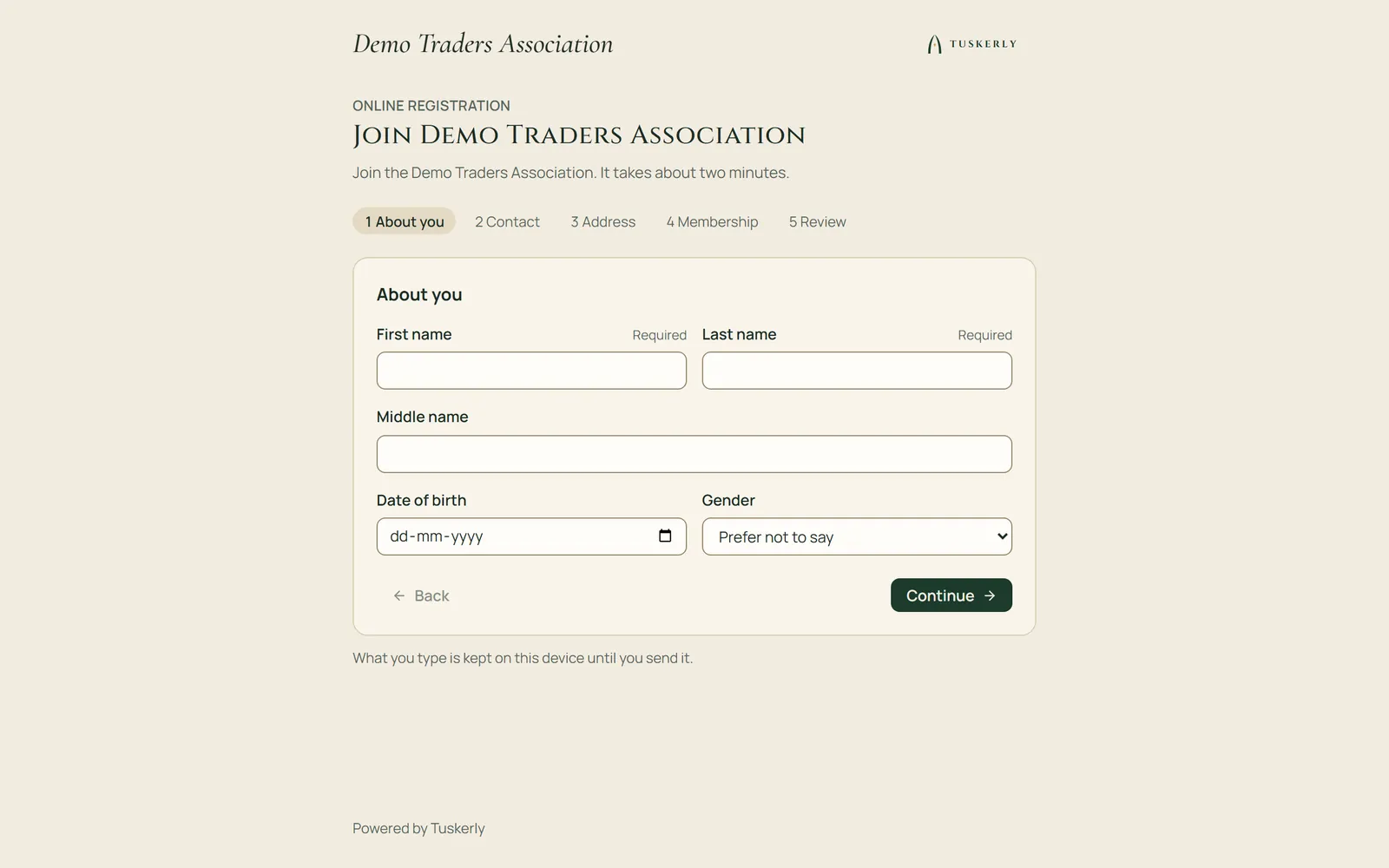
Online registration
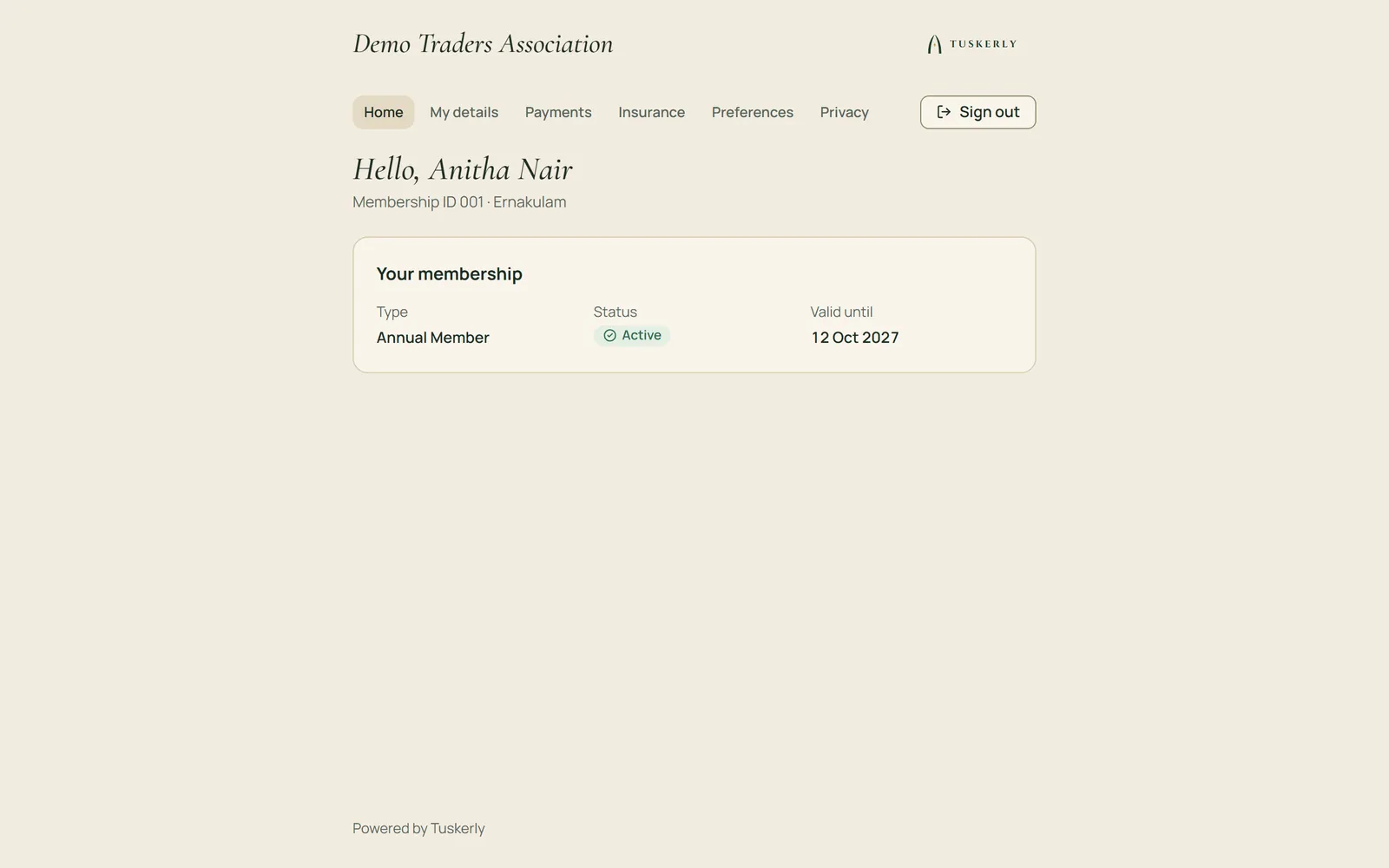
Member portal
Real screens, shown with demo data.
Ready to begin?
Contact us for information. We reply on WhatsApp.